

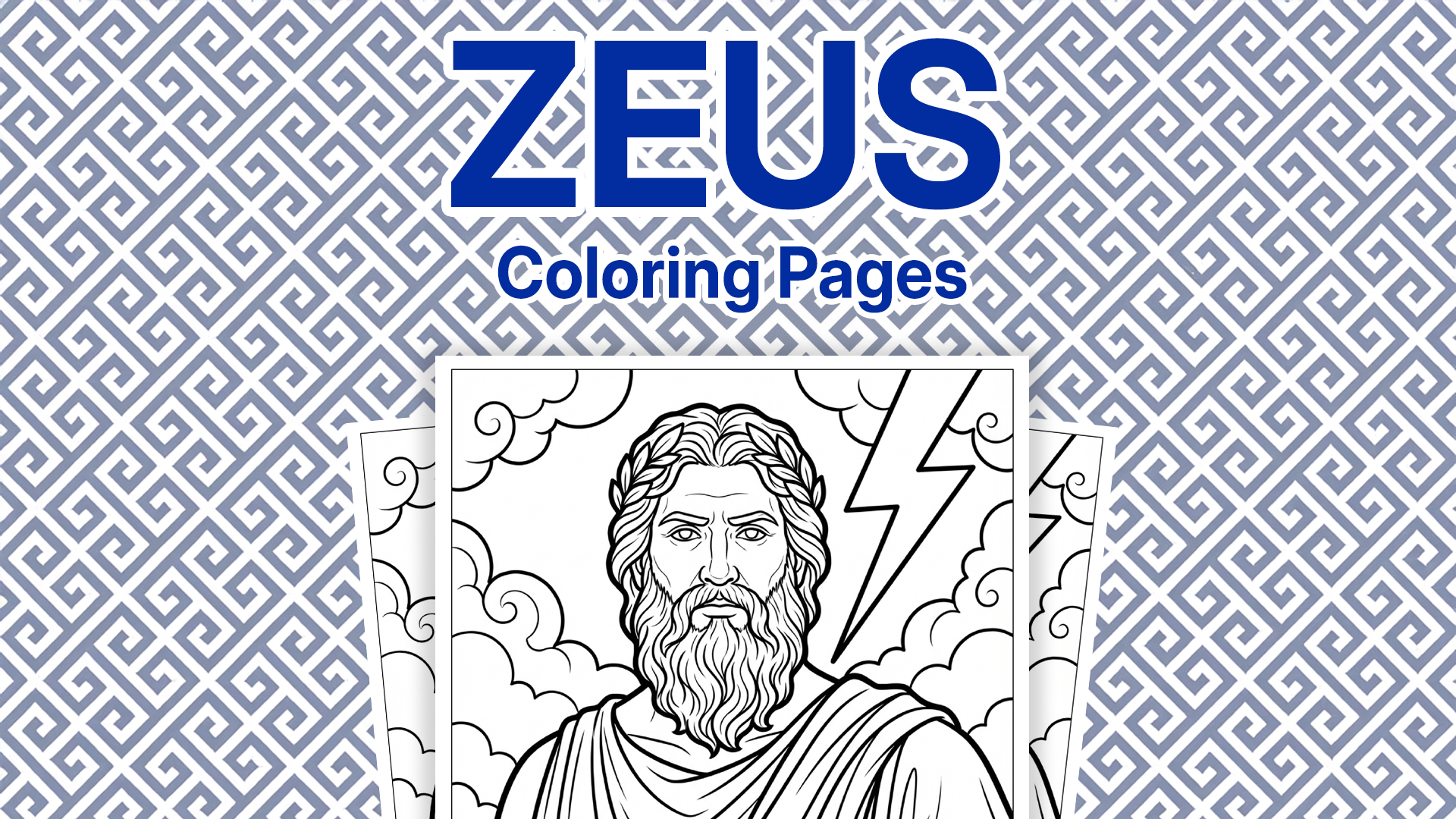
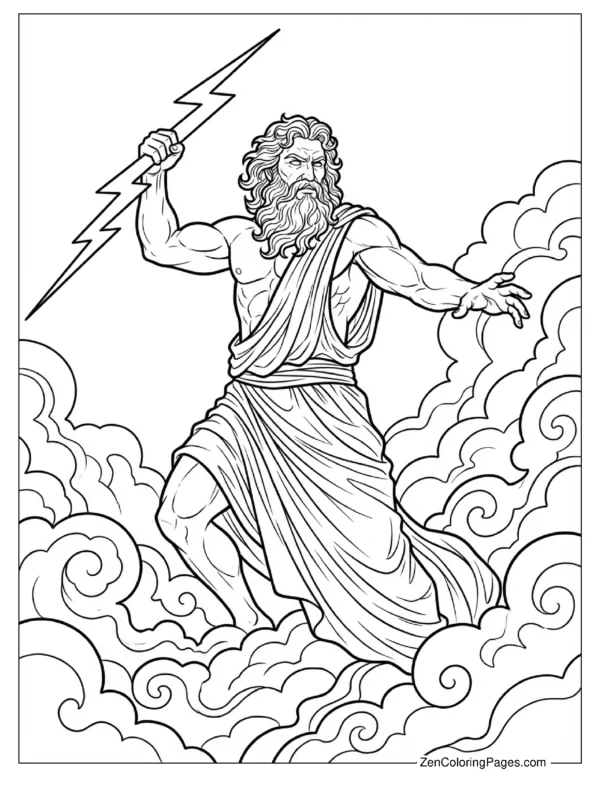
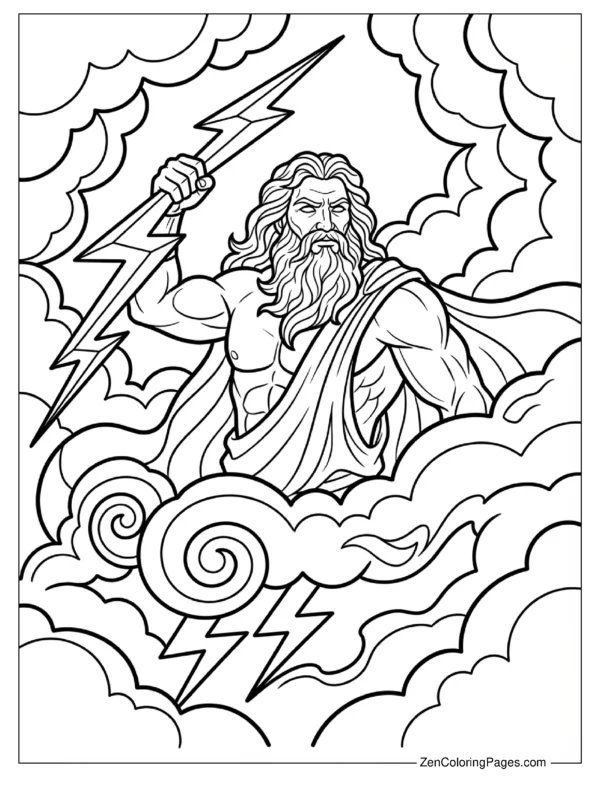
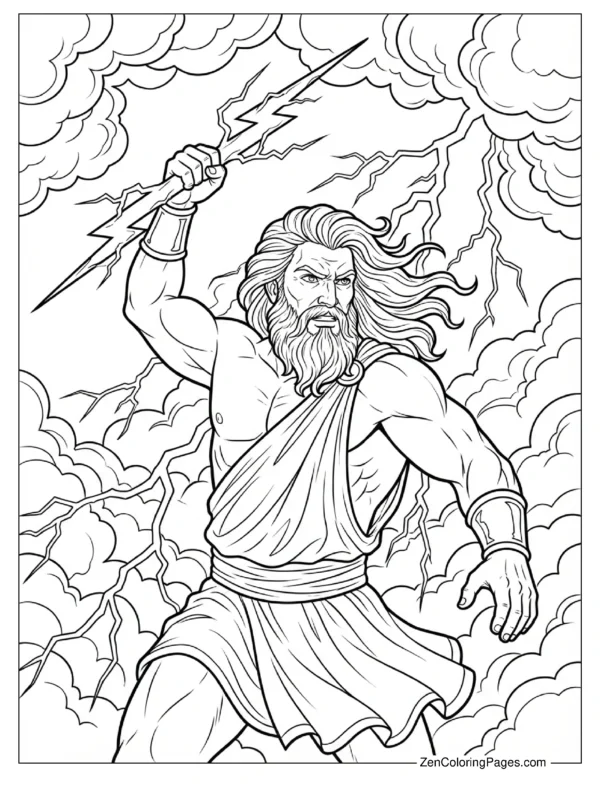
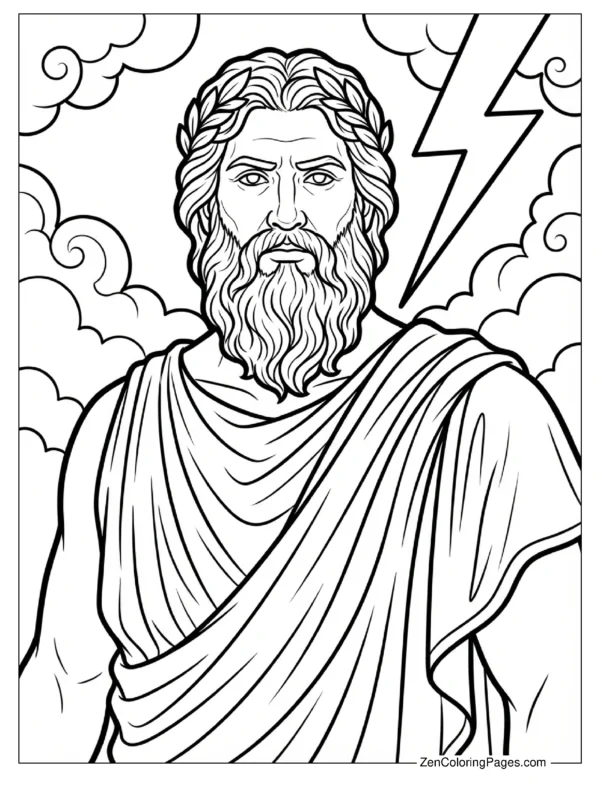
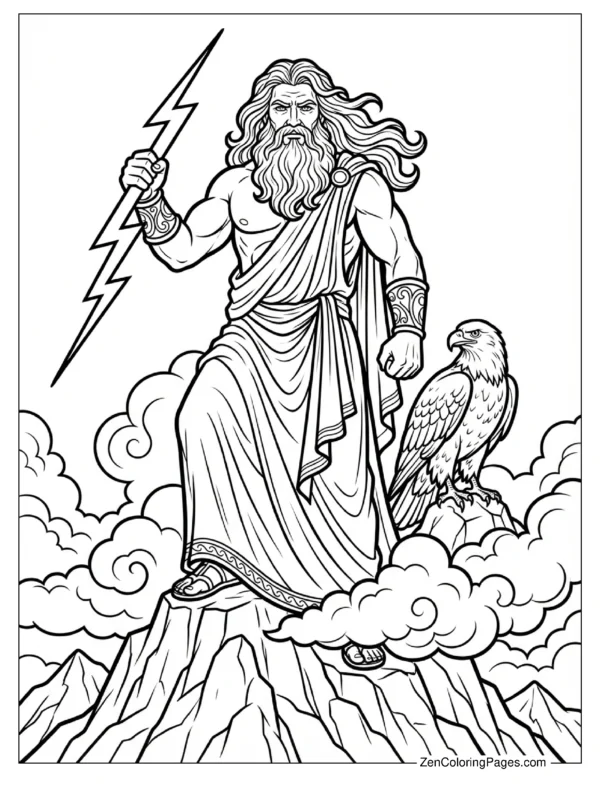
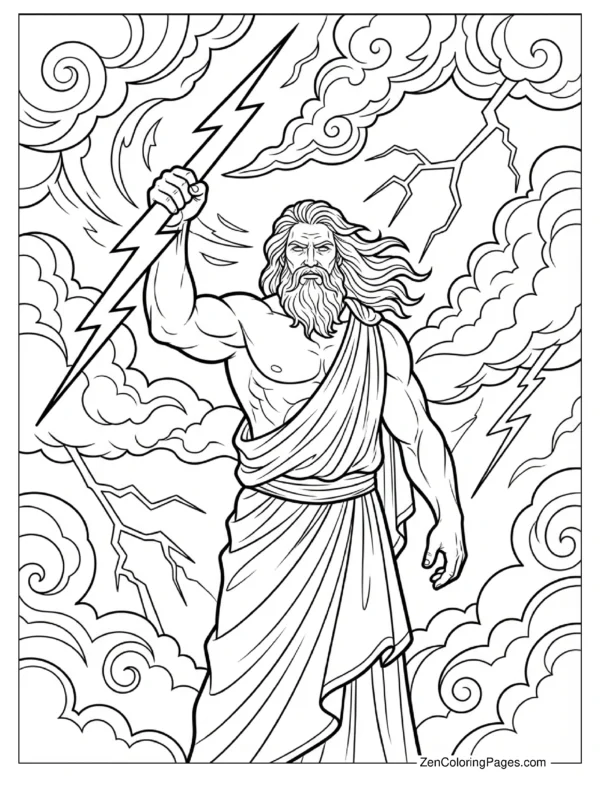
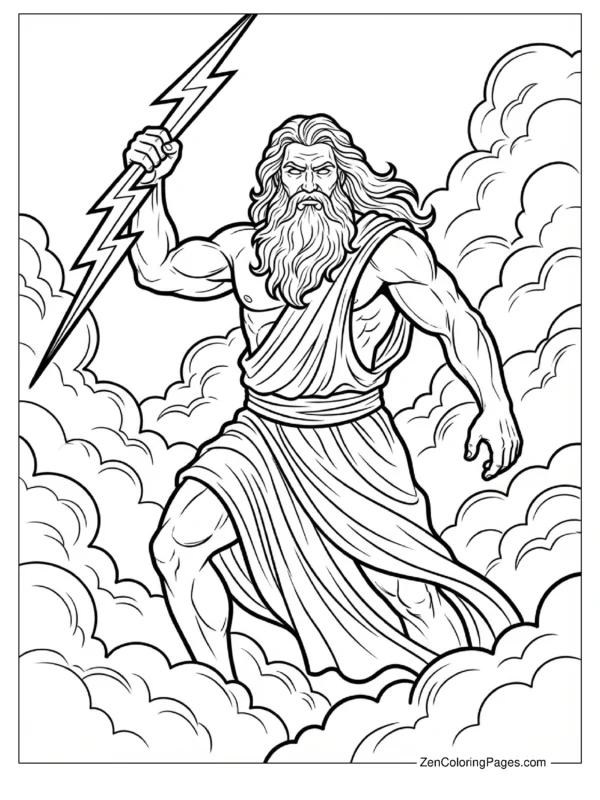
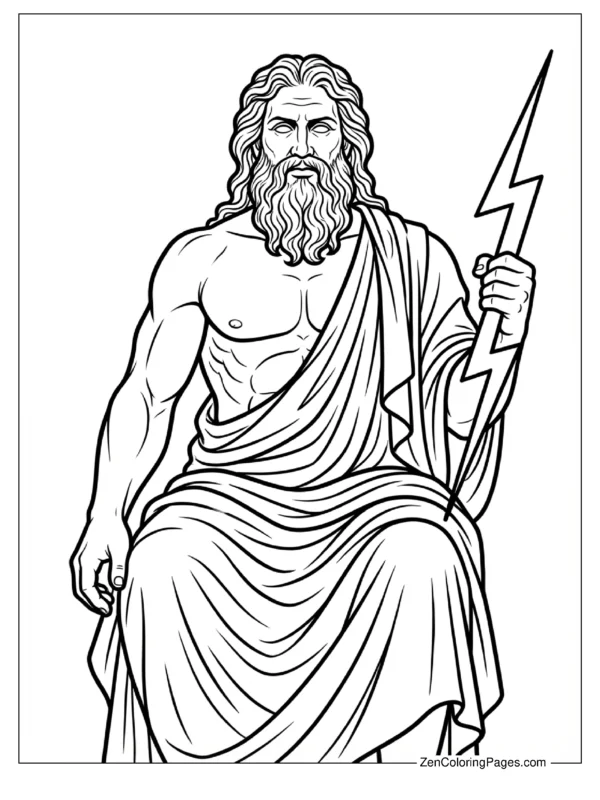
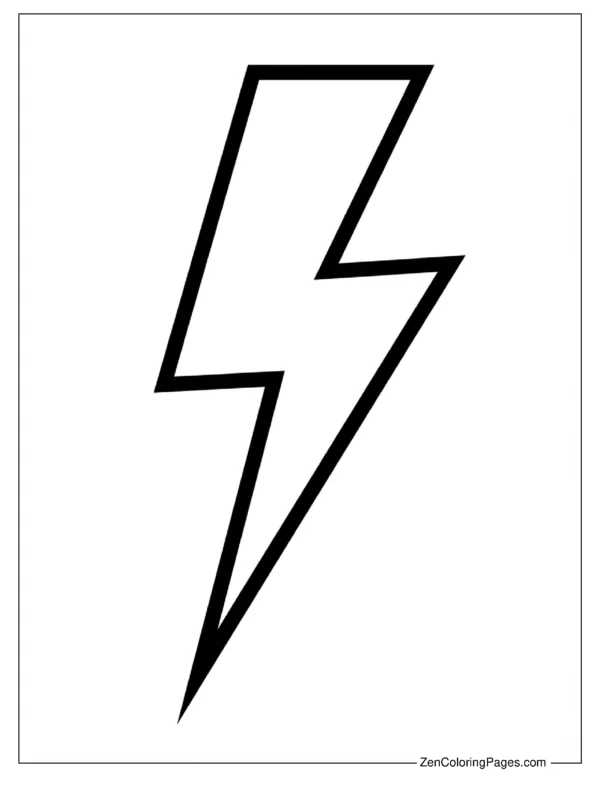
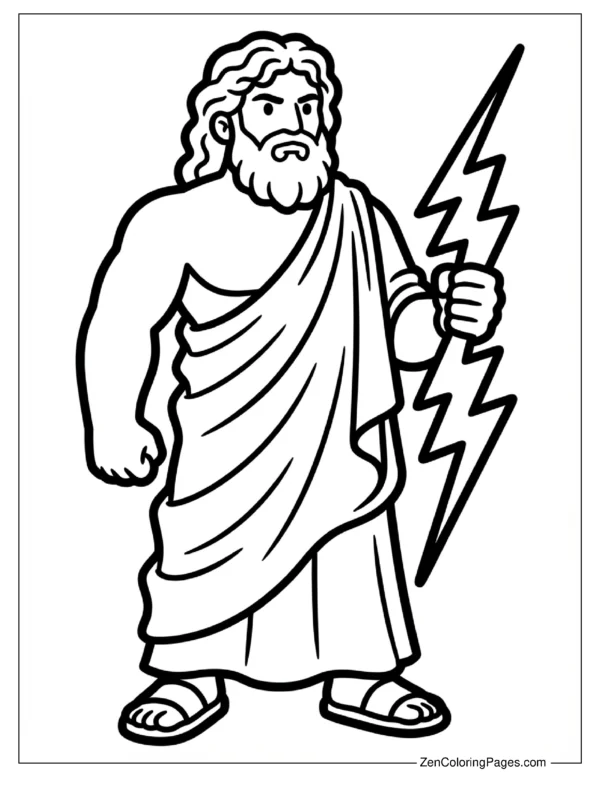
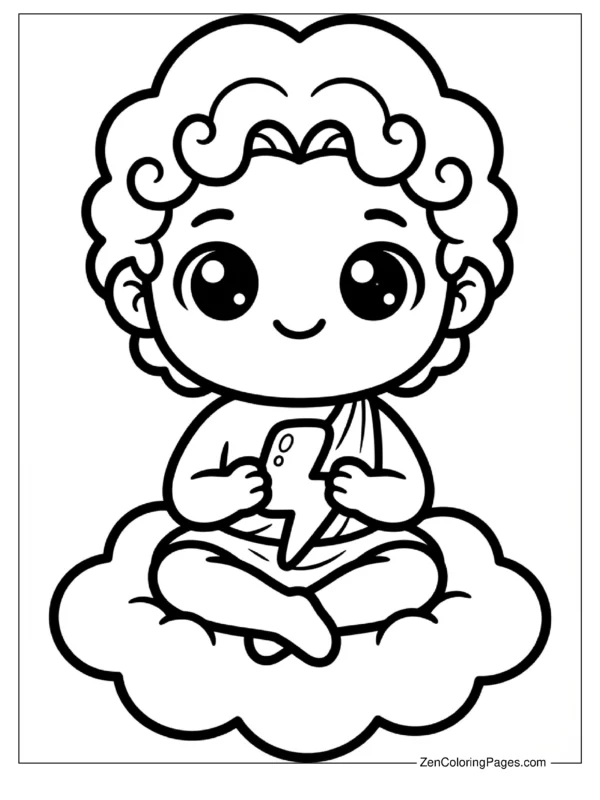
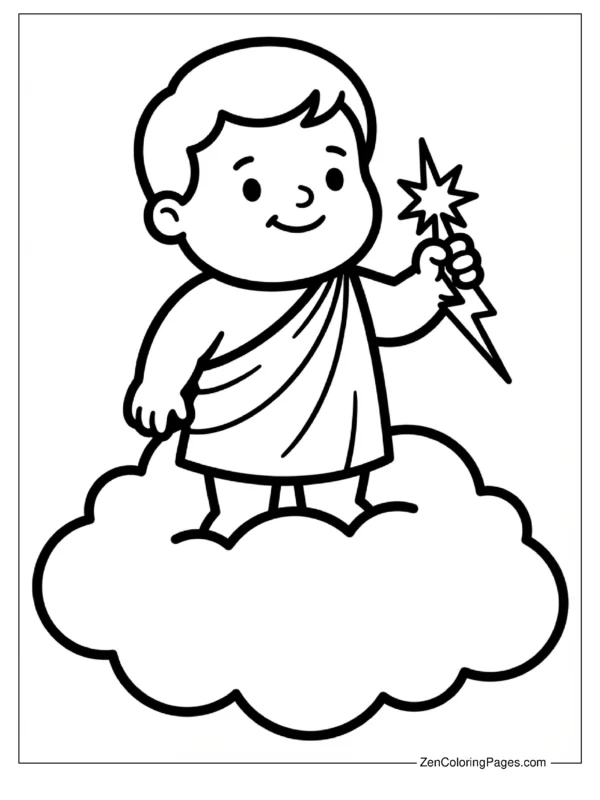
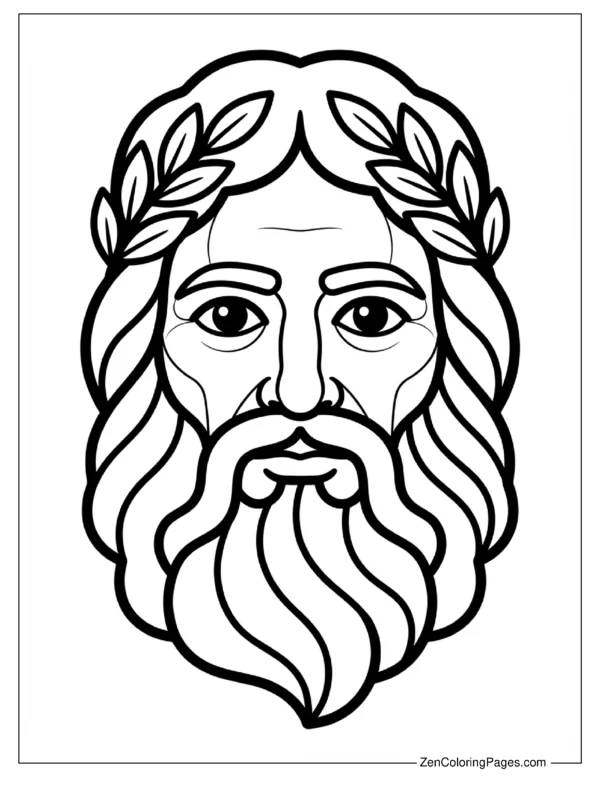
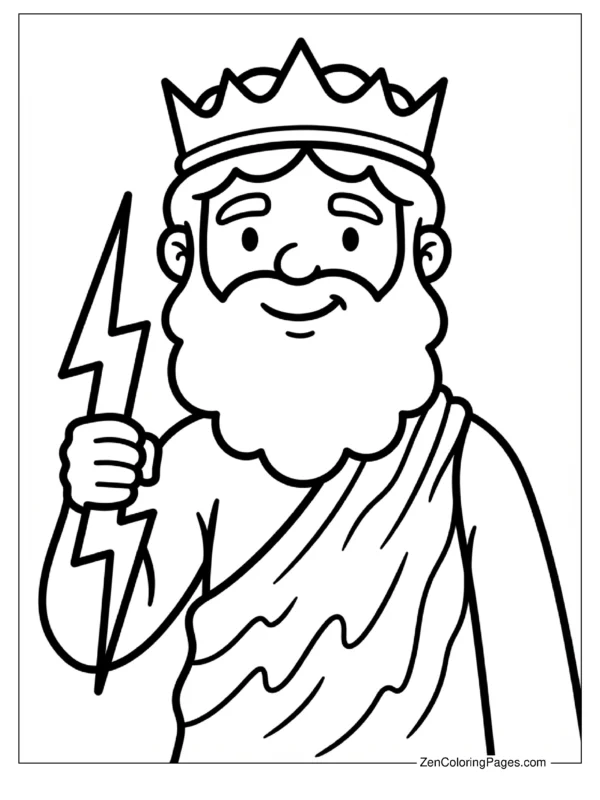
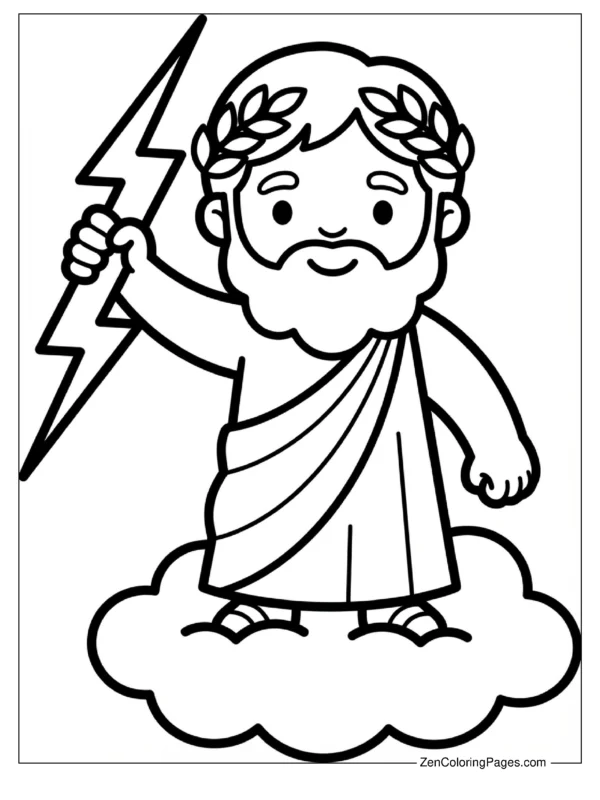
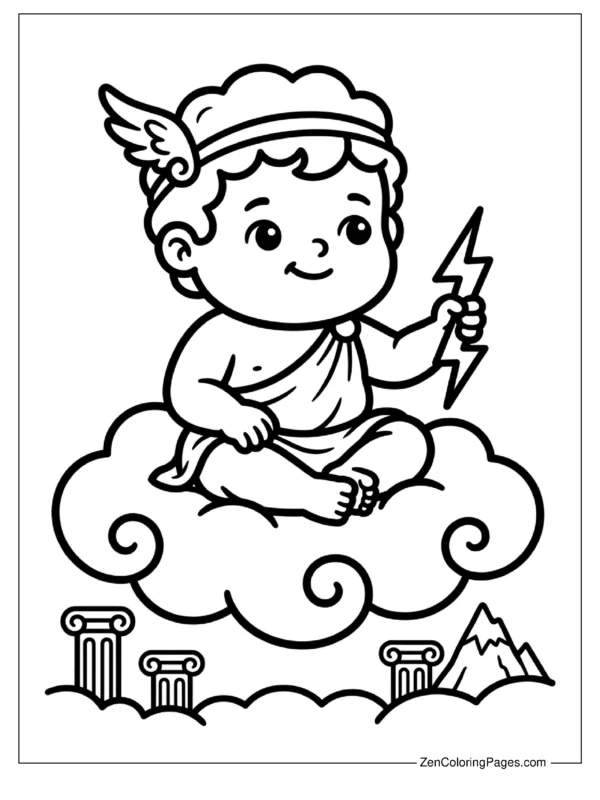
So my older niece is currently in her “Percy Jackson” era (if you know, you know) and suddenly everything in our house has to be related to Greek mythology. Naturally, she demanded I make some proper Zeus pages. Not just the boring stiff ones from old history textbooks, but actual cool ones. After six years of running this site, I’ve learned that kids want action, not just a guy standing in a robe. So I got to work and created 30+ fresh designs that I think you’ll really like.
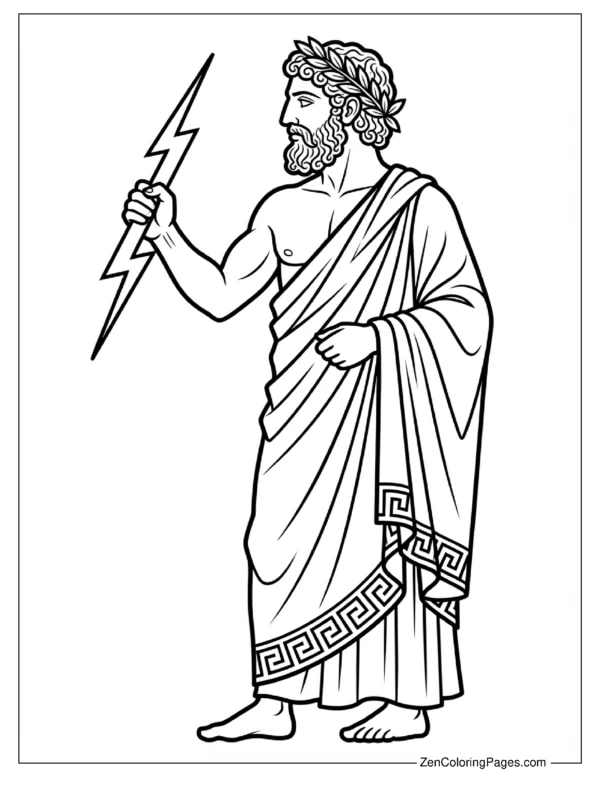
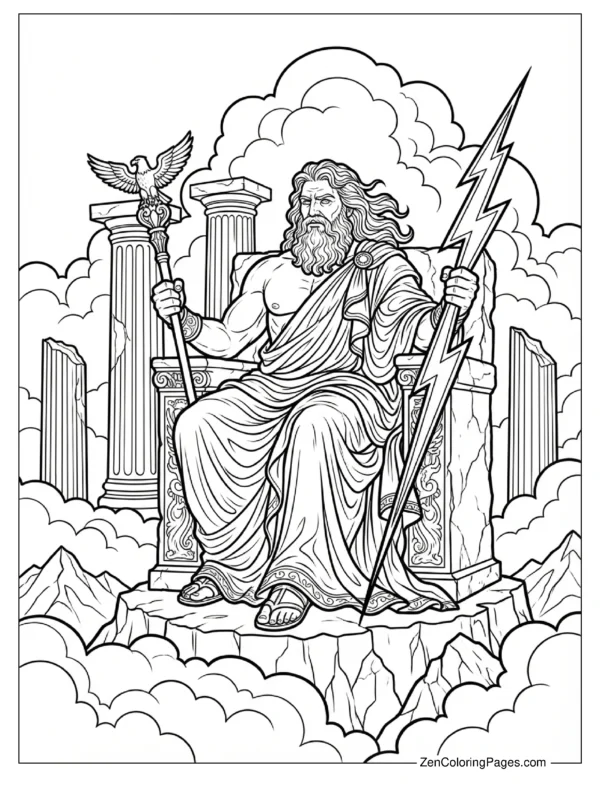
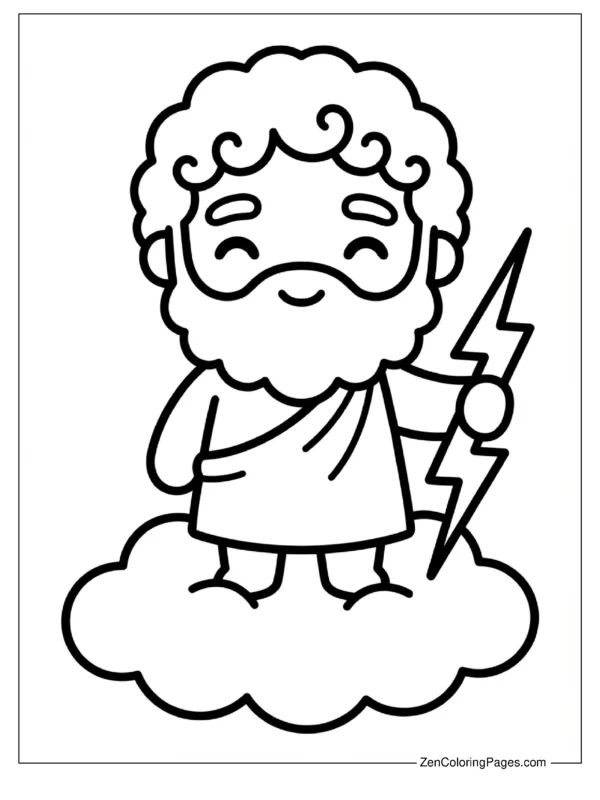
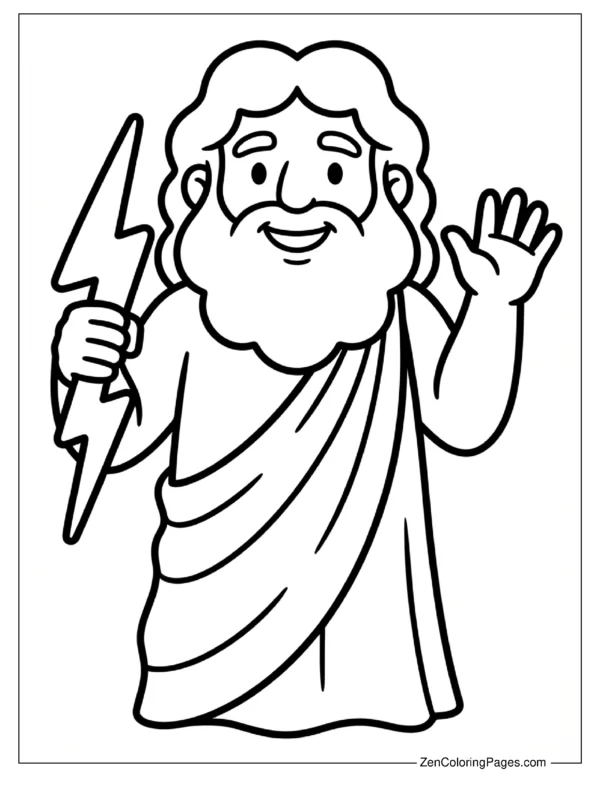
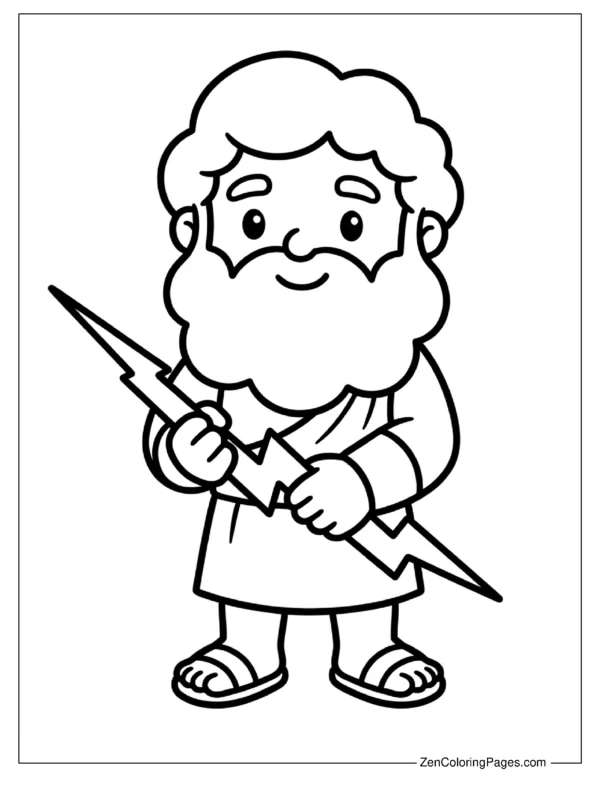
You’ll find a solid mix here. I drew everything from a cartoon style Zeus for the younger crowd to some seriously intense portraits of him holding his master lightning bolt on Mount Olympus. I even threw in a few detailed scenes that showcase his power over the sky and thunder because, let’s be honest, coloring those electric bolts with neon yellow markers is the best part. Whether you need these for a rainy Saturday or a school history project that’s due tomorrow (we’ve all been there), these sheets are a total clutch resource.
All the designs are free PDFs and print super crisp on standard paper. Just scroll down and click the one that speaks to you to get started.
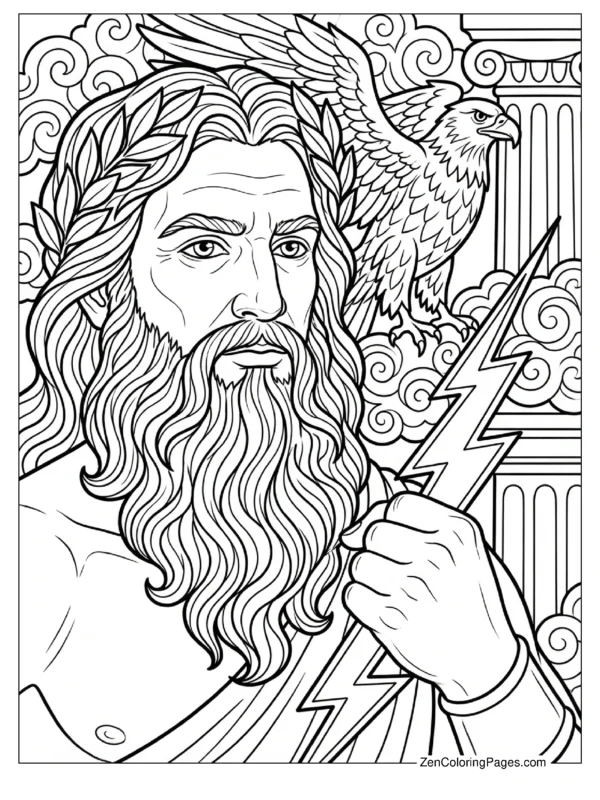
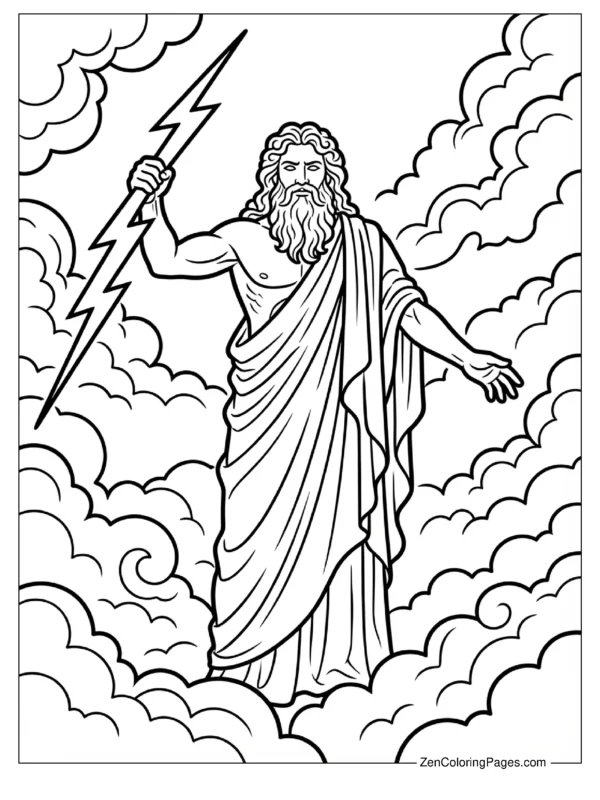
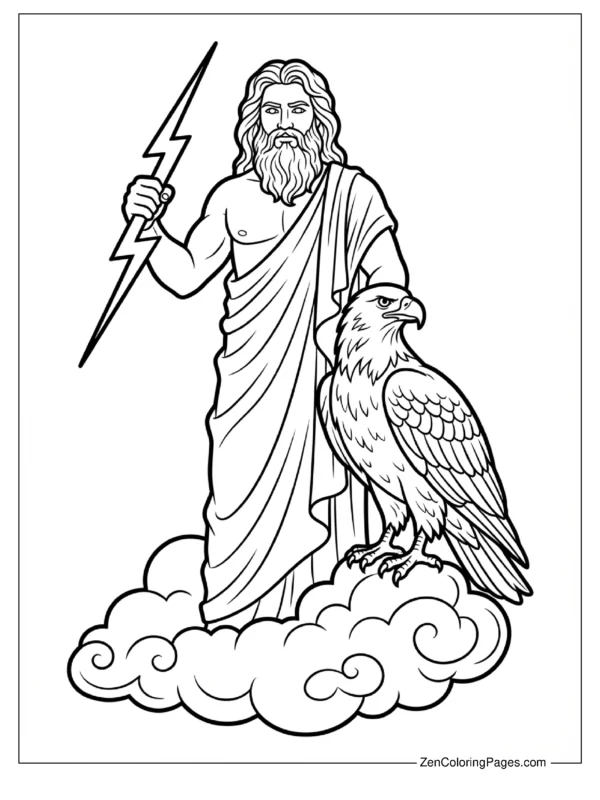
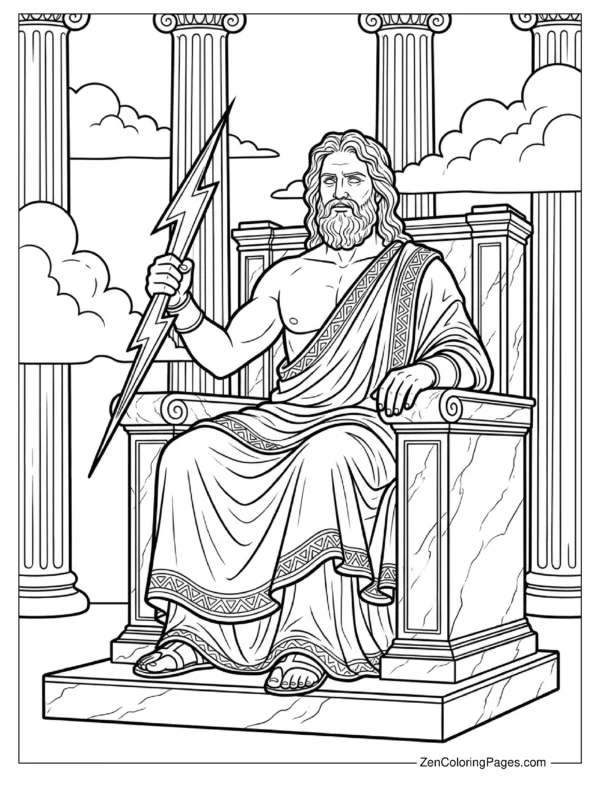
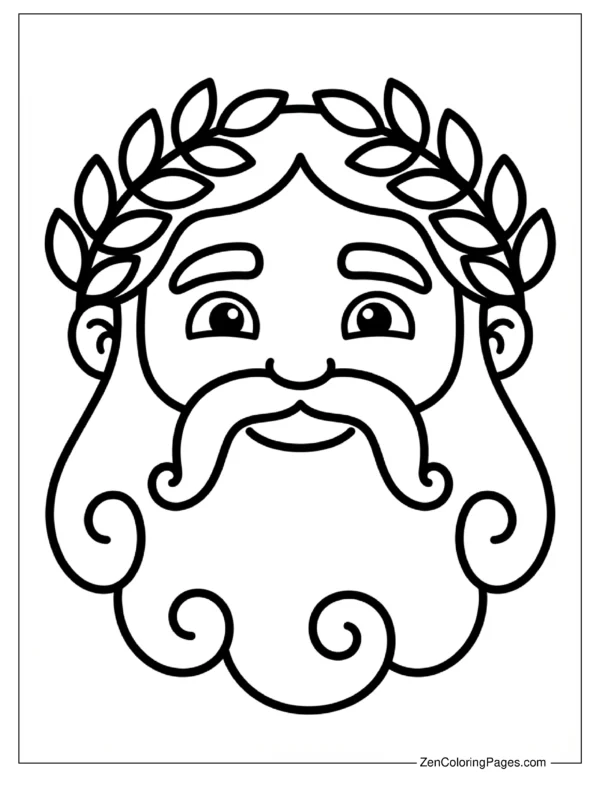
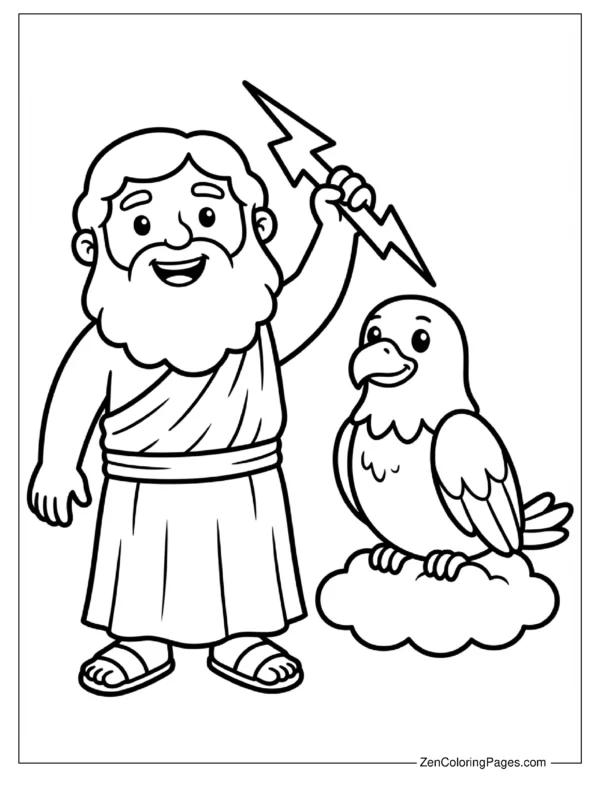
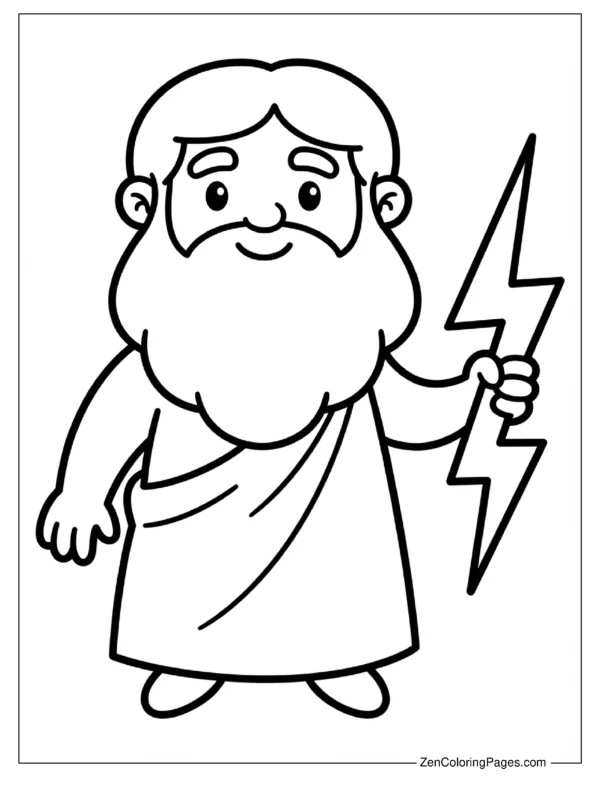
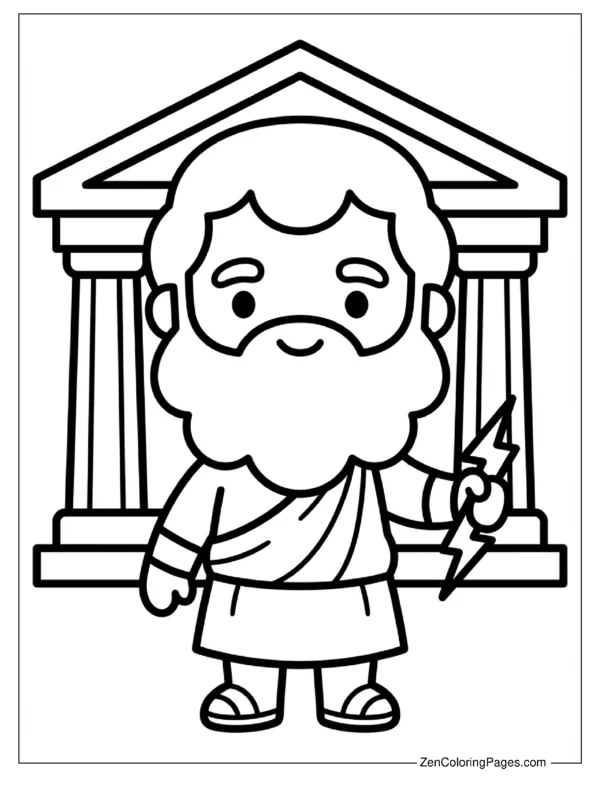
Who Is Zeus in Greek Mythology?
So if your kid is asking who this bearded guy with the lightning bolt is, here is the short version (without the complicated soap opera drama). Zeus is basically the boss of the Ancient Greek gods. He runs the show from a massive palace on Mount Olympus and controls the sky, weather, and -you guessed it- lightning.
In mythology, he is considered the “Father of Gods and men,” even though he wasn’t the dad of literally everyone. He is the father of Hercules, though, which is usually the hook that gets kids interested thanks to the movies. Think of him as the powerful, sometimes grumpy, but ultimately important king that keeps the rest of the Olympians in check. He represents order and justice, but mostly he is famous for throwing thunderbolts when he gets mad.
Tips for Coloring Your Zeus Pages
After coloring about a hundred of these with my niece, I have picked up a few tricks to make Zeus look properly epic. The tricky part with Zeus is that he wears a lot of white robes. Just leaving the paper blank can look boring, so I always tell kids to use a light gray or light blue pencil to add shadows in the folds of his clothes. It makes a huge difference.
Here are a few specific color palettes that always work:
- The Classic Look: White robes, bright golden lightning bolts, and a deep royal blue sky background.
- The Storm Mode: darker gray robes, silver/blue lightning, and dark purple clouds (my personal favorite for the action shots).
- The Statue Vibe: Color the whole figure in shades of marble white or light sandstone to make him look like a museum piece.
As for supplies, colored pencils are your best bet for the detailed pages like the “Throne” or “Vase Art” styles. But for the “Cartoon Zeus”? Definitely break out the crayons or markers. And honestly, if you have gold glitter glue for the lightning bolts, use it. It is messy, but it looks awesome.
Fun Zeus Facts for Kids
Coloring is way more fun when you know the backstory. Here are a few cool facts I dug up while researching these pages (checked with National Geographic Kids, so you know they’re solid):
- His Weapon: Zeus wields the “Master Bolt,” which was actually made for him by Cyclopes (one-eyed giants). It is what creates lightning storms.
- His Pet: He is often hung out with a giant golden eagle named Aetos Dios. That is why you will see an eagle in a lot of my coloring pages.
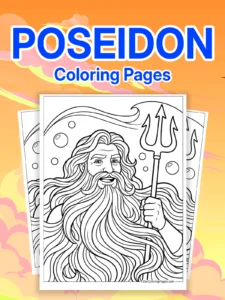
- His Brothers: Zeus has two powerful brothers: Poseidon (ruler of the sea) and Hades (ruler of the underworld). They are like the “Big Three” of mythology.
Also, Zeus had a really weird superpower: shapeshifting. He wouldn’t just turn invisible; he would turn into animals. In different stories, he turns into a bull, an eagle, and even a swan. So if your kid colors Zeus green and says he is an alien, technically that is not too far off from the myths!
How to Use These Zeus Coloring Pages
These pages are actually super popular with teachers covering Ancient History. If you are a teacher or homeschooling, the “Portrait with Symbols” or the “Battle Scene” pages fit perfectly into a unit on Greece. I have also heard from parents who used these for Percy Jackson-themed birthday parties, which is such a cool idea. Print a stack, put out some crayons, and you have an instant quiet activity.
For a rainy day activity, try creating a “Mythology Book.” Have your kid color Zeus, then grab our Poseidon and Athena pages, and staple them together. It gives them a goal to finish the whole set rather than just coloring one page and running off.
More Greek Mythology Coloring Activities
Don’t stop at the King of Gods. If your kids are really into the stories, try creating a whole Mount Olympus display on the fridge. We have pages for Hera, Apollo, and the rest of the crew coming soon.
Another fun idea is to have the kids draw their own background for the simpler Zeus portraits. Ask them what they think Mount Olympus looks like. Is it a castle? A cloud city? A fortress? It gets their imagination going way more than just staying inside the lines. Plus, it buys you another twenty minutes of quiet time, which, let’s be honest, is a win for everyone.
Frequently Asked Questions
What are Zeus’s main symbols?
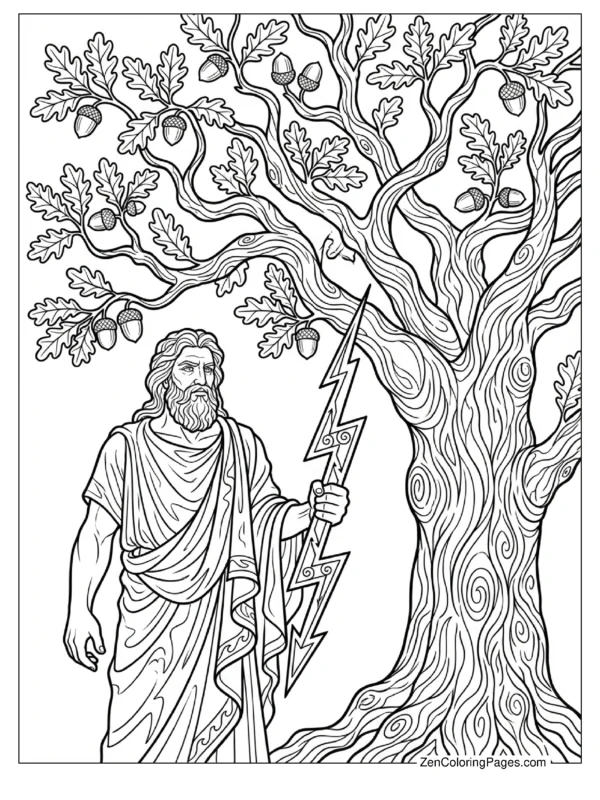
His biggest symbols are the lightning bolt, the eagle, the bull, and the oak tree. You will see these pop up in almost all artwork of him.
Is Zeus the oldest god?
Funny story—he is actually the youngest sibling in his family (younger than Poseidon and Hades), but he became the leader because he saved them from their father, Cronus.
Are these coloring pages historically accurate?
I designed the “Vase Art” and “Throne” pages to look like real ancient Greek art, using authentic patterns. The “Cartoon” ones are obviously just for fun!
What is the best age for these pages?
I made sure to include a mix. The bold outline pages are great for preschoolers (ages 3-5), while the specific battle scenes and mandalas are better for older kids (8+) or even adults.
How do I print the PDF?
Just click on the image you want, and it will open the PDF in a new tab. From there, just hit the print icon. I recommend setting your printer to “Fit to Page” just to be safe.